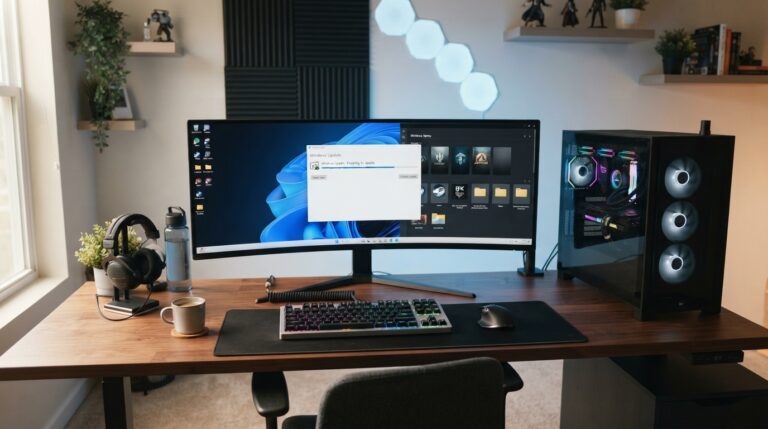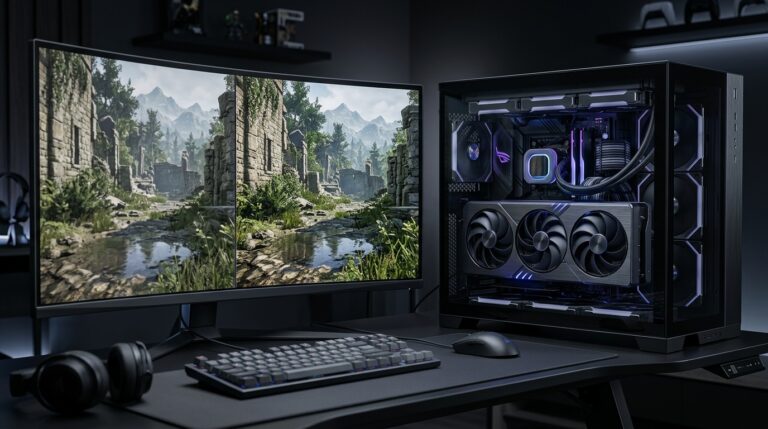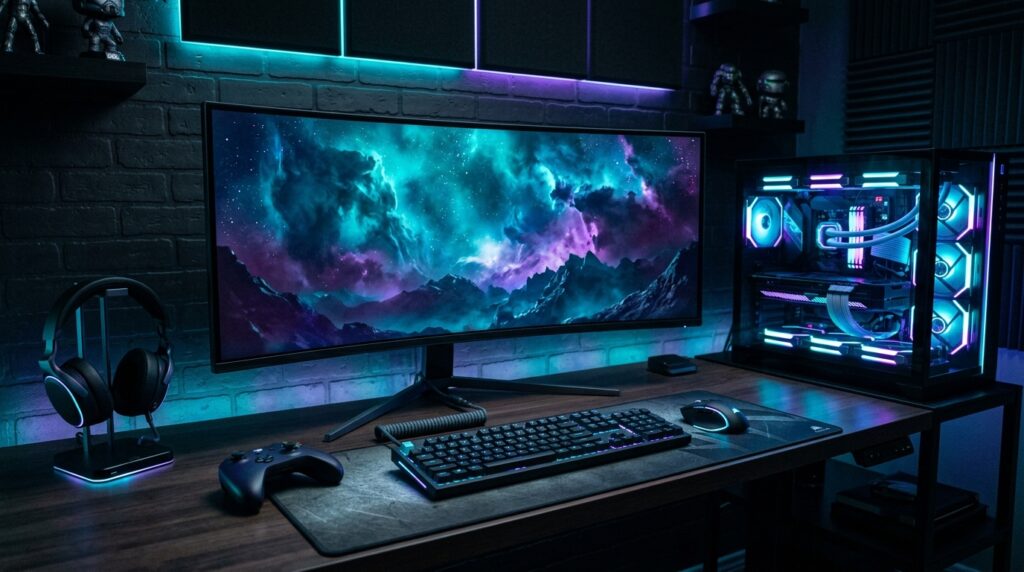
This Progz gaming gear upgrade guide explains what actually matters: monitors, mice, keyboards, headsets, controllers, mousepads, desks, chairs, storage, and cable management. The goal is not to build the most expensive setup possible. The goal is to improve comfort, responsiveness, clarity, and consistency without wasting money on upgrades you barely notice.
If you are still tuning performance, read our guide on best PC settings to boost FPS. If you play away from your desk, check our handheld gaming guide. You can also browse more setup articles in our Gaming Gear and PC Gaming categories.
Start With the Gear That Changes the Experience Most
The best gaming upgrades usually affect what you see, hear, touch, or feel for long sessions. That is why a monitor, mouse, headset, keyboard, and chair matter more than small decorative accessories. These items shape your actual experience every time you play.
A better monitor can make games smoother and clearer. A better mouse can make aiming feel more consistent. A good headset can improve communication and positional awareness. A comfortable chair and desk setup can keep you playing longer without pain. These upgrades affect gameplay and comfort directly.
Before upgrading anything, ask one question: what is currently holding back my setup? If your FPS is unstable, gear may not fix the problem. If your monitor is locked at 60Hz but your PC can push much higher frames, a monitor upgrade may be huge. If your mouse shape causes hand strain, a new mouse can matter more than a new keyboard.
Upgrade your monitor before chasing small accessories
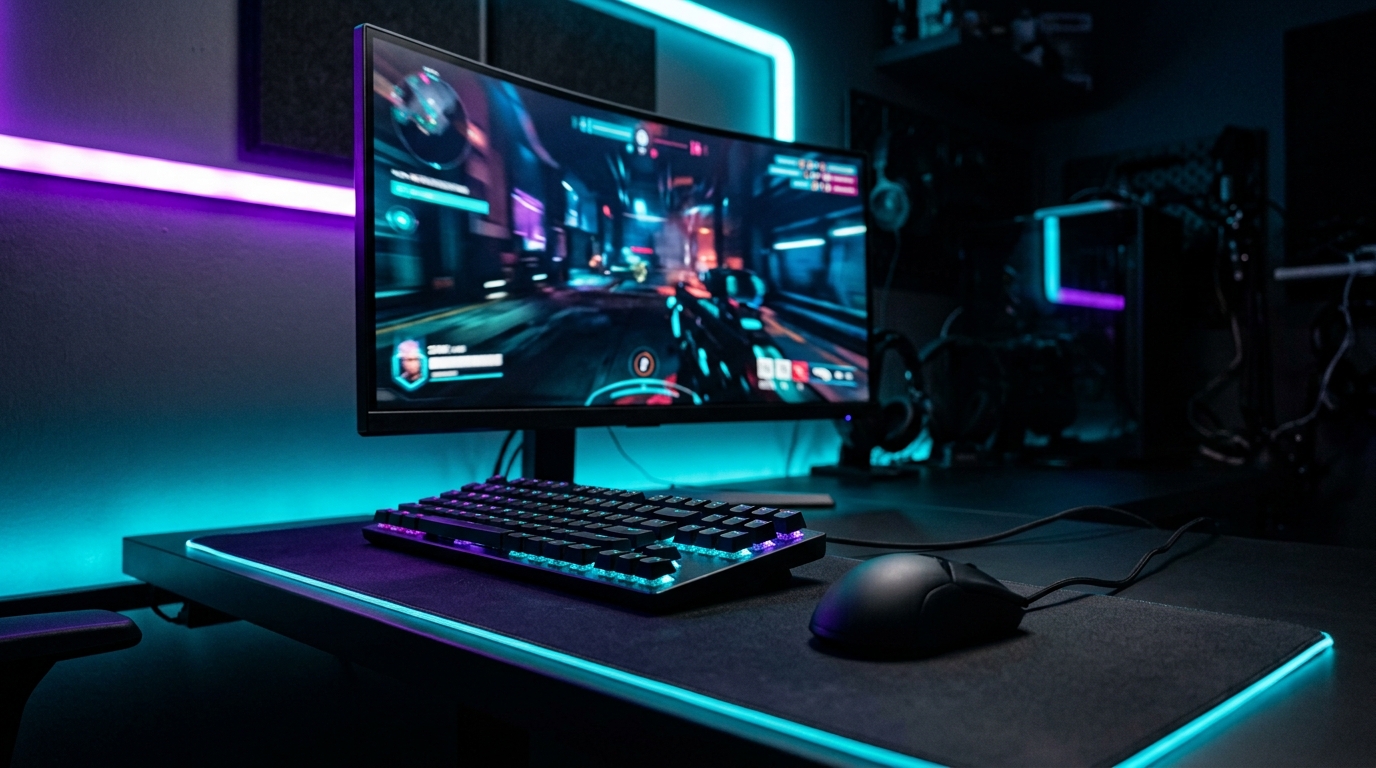
For most PC gamers, the monitor is one of the biggest setup upgrades. It controls how you see every game. Refresh rate, resolution, panel type, response time, brightness, contrast, and adaptive sync support all affect the experience. A strong GPU paired with a weak monitor is wasted potential.
If you still use a basic 60Hz display, moving to 144Hz or higher can feel like a major improvement in shooters, racing games, action games, and even desktop use. Higher refresh rates can make motion look smoother and reduce the delay between frames. NVIDIA’s latency guide also recommends making sure your display is actually set to its maximum refresh rate in system settings.
Best monitor upgrade path
The right monitor depends on your PC. For budget and competitive players, a 1080p 144Hz or 165Hz monitor is still practical. For balanced gaming, 1440p at 144Hz to 240Hz is one of the best sweet spots. For high-end setups, 4K OLED or fast 4K displays can look incredible, but they need a powerful GPU to shine.
Do not buy a monitor only because the refresh rate number is huge. A good 144Hz or 165Hz display can feel better than a cheap high-Hz panel with poor response time, bad colors, or weak viewing angles. For official latency basics, NVIDIA’s guide on reducing system latency is a useful reference: NVIDIA system latency optimization guide.
A good mouse matters more than crazy DPI
Gaming mice are often marketed with huge DPI numbers, but most players do not need extreme DPI. What matters more is shape, weight, sensor reliability, click feel, wireless stability, feet glide, and whether the mouse fits your grip. A mouse that feels natural will help more than a mouse with impressive specs you cannot control comfortably.
FPS players often prefer lightweight mice because they are easier to move quickly and stop precisely. MMO and productivity players may prefer heavier mice with more side buttons. Casual players should focus on comfort and reliability rather than chasing esports marketing.
Mousepad and sensitivity matter too
A mouse upgrade works better with a good mousepad and sensible sensitivity settings. A tiny mousepad can limit movement. A worn-out surface can cause inconsistent glide. A sensitivity that is too high can make aim shaky, while sensitivity that is too low can make movement tiring.
Before blaming your mouse, clean your desk surface, check your polling rate, disable unnecessary mouse acceleration where appropriate, and test a consistent sensitivity across games. Sometimes the best “upgrade” is better setup discipline.
Comfort Upgrades Are Not Boring — They Keep You Playing Better
Players often ignore comfort because it does not look exciting in product photos. That is a mistake. Comfort affects performance because discomfort distracts you. Neck pain, wrist strain, bad posture, poor audio fit, and messy cables can make even a powerful setup feel annoying.
A comfortable gaming setup should support your body, keep your desk usable, and reduce friction. You should not fight your chair, cable mess, headset clamp, keyboard angle, or monitor height every time you play. If your setup feels physically better, you are more likely to play consistently and stay focused.
This is where budget upgrades can be surprisingly effective. A larger mousepad, monitor arm, headset stand, better chair cushion, wrist rest, cable tray, or desk lamp may improve daily use more than a flashy accessory.
Headsets and audio upgrades depend on how you play
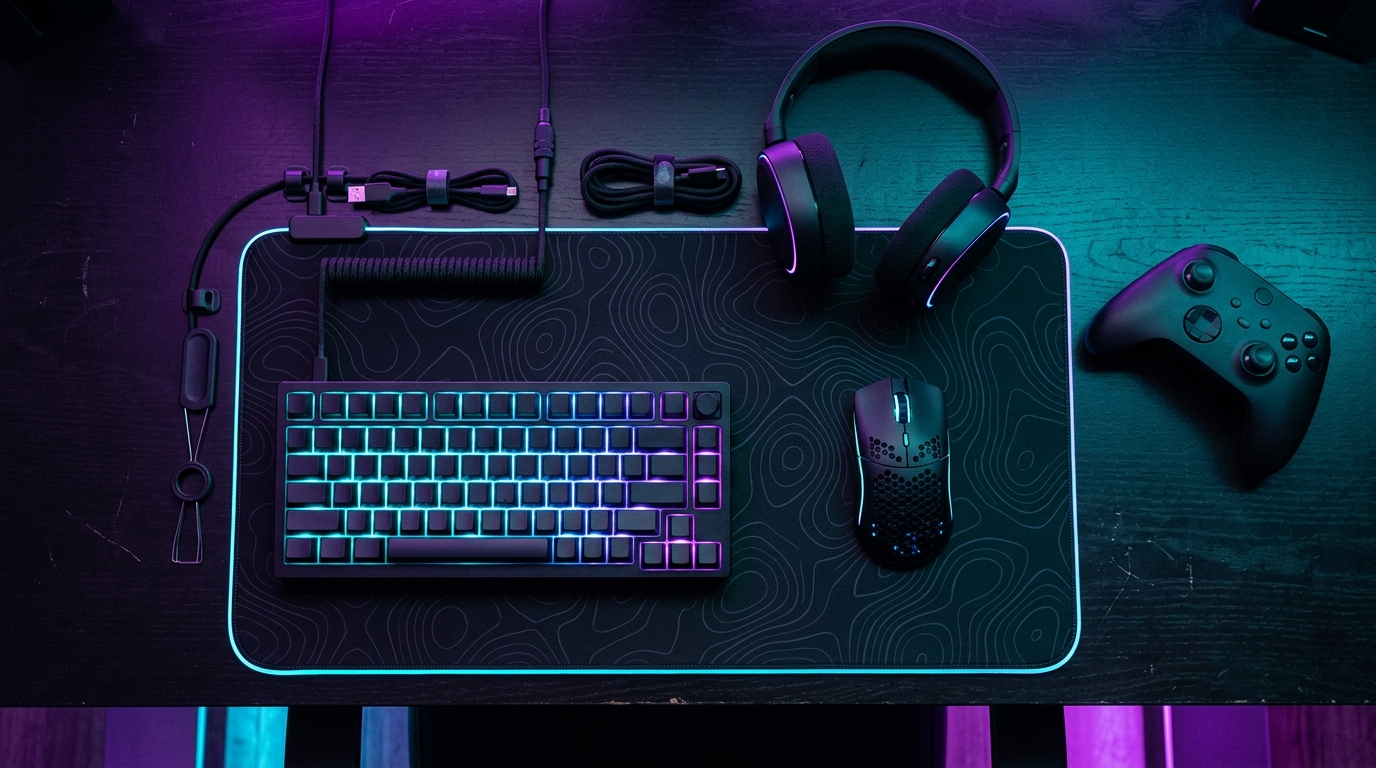
A headset upgrade matters most if you play multiplayer games, talk with friends, stream, or need positional audio. Comfort should come first because a headset that hurts after one hour is not good, no matter how strong the drivers are. Mic quality also matters if you play team games.
Wireless headsets are convenient, especially if you move around, but check battery life and connection reliability. Wired headsets can offer simplicity and lower charging stress. Some players may prefer separate headphones and a standalone microphone, especially for better voice quality.
Choose comfort before surround sound marketing
Surround sound features can be useful in some games, but they are not magic. A comfortable headset with clear stereo imaging and a good mic is often better than an uncomfortable headset with heavy virtual surround effects. For competitive play, clear footsteps and voice chat matter more than booming bass.
If you already own decent headphones, consider upgrading your microphone first. A small USB microphone or boom mic can make your voice clearer for teammates and calls. For players who stream or record, audio quality matters more than RGB lighting.
Keyboard upgrades are mostly about feel and function
A mechanical keyboard can feel better than a basic membrane keyboard, but it will not instantly make you a better player. Keyboard upgrades are mainly about feel, durability, layout, switch preference, sound, and desk space. Some players like full-size keyboards. Others prefer tenkeyless, 75%, or 60% layouts because they create more mouse room.
For gaming, consistency matters more than hype. Choose switches that feel comfortable and predictable. If you play competitive shooters, a smaller keyboard can give your mouse hand more space. If you play MMOs, strategy games, or work on the same setup, a larger keyboard with function keys and macros may make more sense.
Desk, chair, and cable management are real upgrades
A messy setup can make good gear feel worse. Cable management, a stable desk, proper monitor height, enough mouse space, and a chair that supports your posture are real upgrades. They may not sound exciting, but they improve the entire setup.
Start with simple fixes. Raise your monitor to eye level. Keep your keyboard and mouse at a comfortable height. Use a large mousepad. Route cables under the desk. Keep your most-used accessories within reach. These changes make your setup cleaner and easier to use every day.
The smartest gaming gear upgrade is the one that fixes your biggest pain point. If your display is old, upgrade the monitor. If your aim feels inconsistent, look at your mouse, mousepad, and sensitivity. If your teammates cannot hear you, improve your mic. If you feel sore after long sessions, fix your desk and chair setup.
Do not upgrade just because a product is trending. Upgrade because it solves a problem. Good gaming gear should make your setup smoother, more comfortable, and more reliable. The best setup is not the one with the most expensive parts. It is the one that helps you play better, longer, and with less frustration.
For more Progz guides, explore Gaming Gear, PC Gaming, Reviews, and Game Guides.