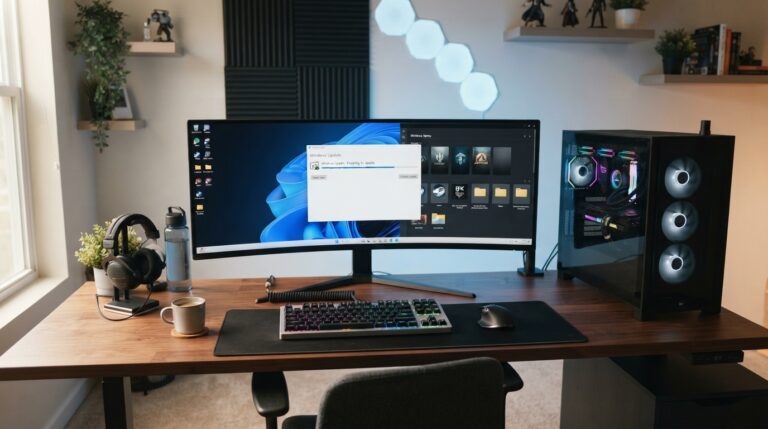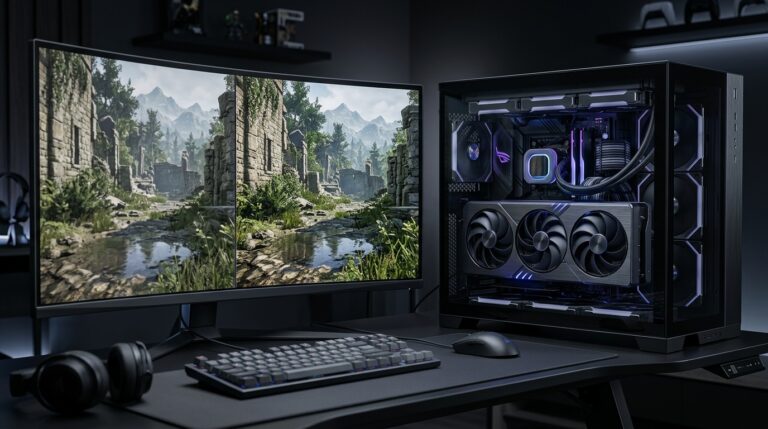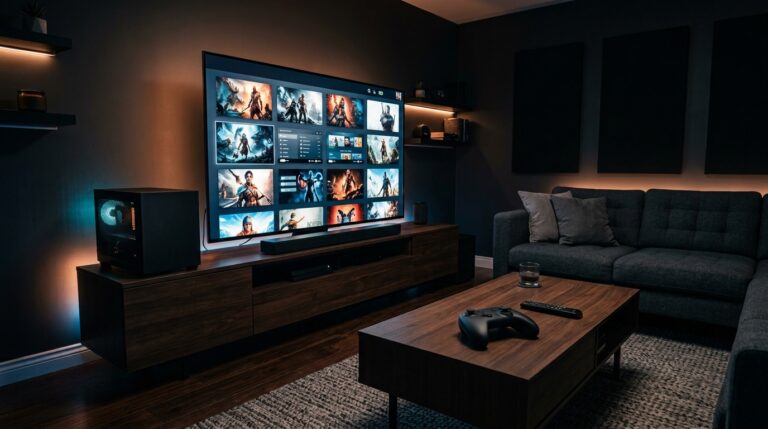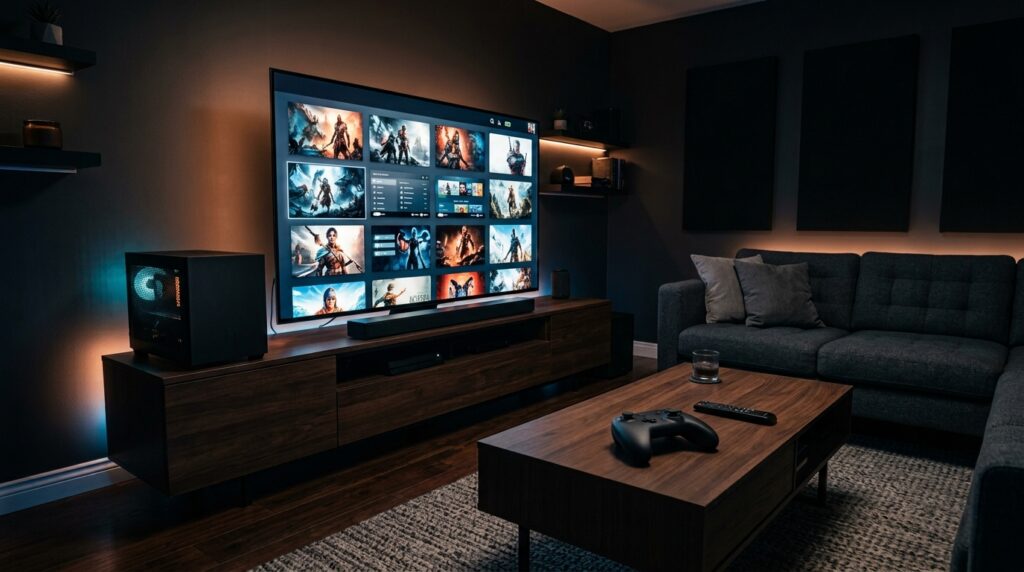
Valve has brought the Steam Machine back in 2026, but this version is very different from the old Steam Machine idea. Instead of relying on several PC makers to build different systems, Valve now has its own compact gaming PC designed around SteamOS and the Steam library.
The Steam Machine launched in June 2026. The 512GB model starts at $1,049, while Valve also offers a 2TB version and Steam Controller bundles. It costs more than a normal console, but it is closer to a small gaming PC made for the living room.
For Steam users, the idea is simple. Sign in, open the games you already own, and play on a TV with a controller. Still, it is not automatically the best buy for every player.
If you already like portable PC gaming, read our handheld gaming in 2026 guide. The Steam Machine follows the same goal of making PC gaming easier, but it focuses on the TV instead of portability.
Why the Steam Machine Is Getting Attention in 2026
Valve announced a new Steam hardware family that includes the Steam Machine, Steam Controller, and Steam Frame. The Steam Machine is the main living-room system in that lineup.
Valve says the device offers more than six times the performance of Steam Deck and supports gaming at up to 4K with FSR 4.1. Players should keep expectations realistic. “Up to 4K” does not mean every demanding game will run at native 4K and maximum settings.
The real appeal is convenience. SteamOS gives the system a controller-friendly interface, while desktop mode keeps some of the freedom people expect from a PC.
You can find Valve’s official hardware information on the Steam Machine product page.
A PC Built for the Living Room
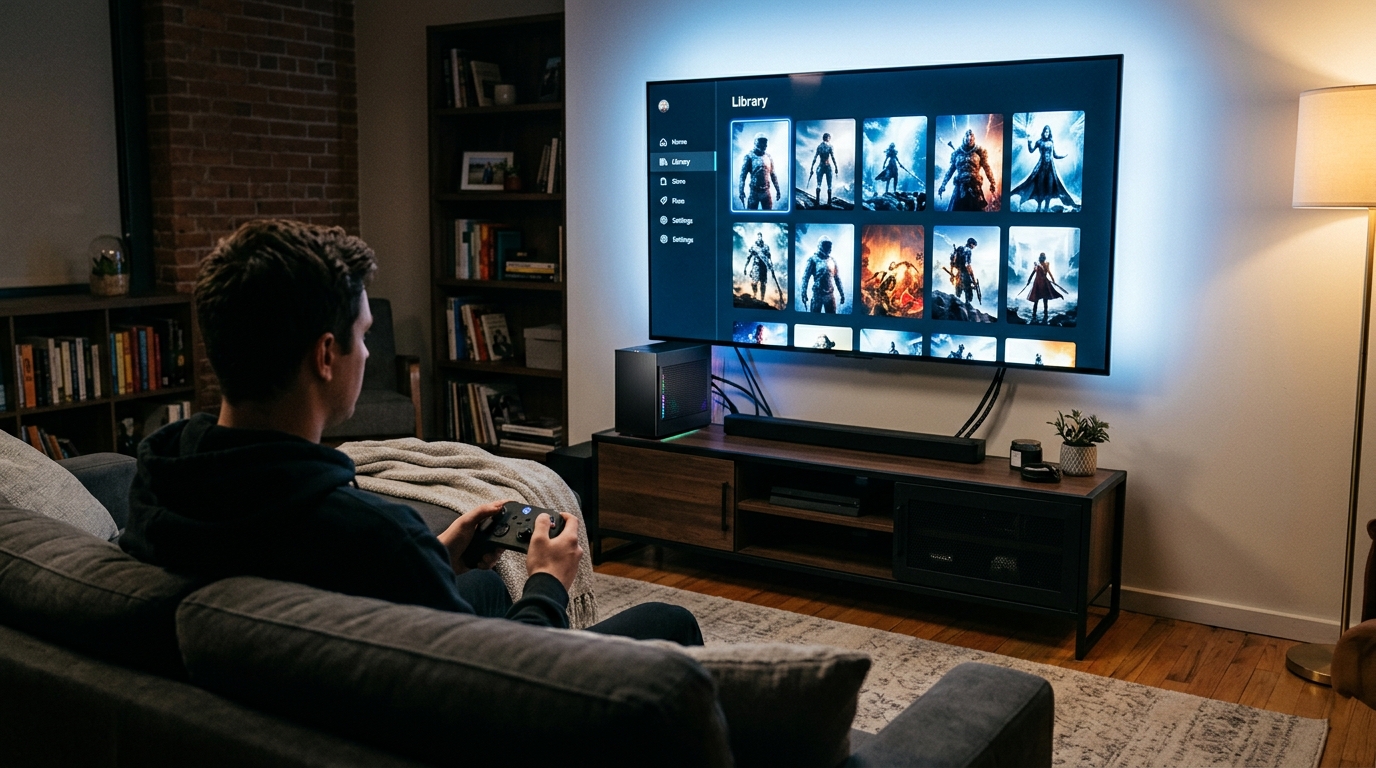
A normal gaming PC offers freedom, but it can also create extra work. Players may deal with Windows setup, background apps, driver tools, multiple launchers, pop-ups, and menus designed for a keyboard and mouse.
The Steam Machine tries to reduce that friction. It boots into a Steam-focused interface that works better from a couch. Players can browse their library, download games, change controller settings, and launch titles without spending much time on the desktop.
It is still a PC, so not every game will behave like a console game. Some titles may need settings changes. Certain games that depend on specific anti-cheat systems or Windows-only tools may also have compatibility limits.
Valve has already spent years improving SteamOS through Steam Deck, giving the new system a stronger starting point.
SteamOS Is the Biggest Difference
SteamOS is one of the strongest reasons to choose the Steam Machine over a normal mini PC.
The interface keeps Steam at the center. Your library, cloud saves, friends, controller profiles, store, downloads, and settings all live in one place. That makes the system easier to use on a television.
Windows can work on a TV, but it often feels built for a desk. Small menus and mouse-focused controls can become annoying from a couch. SteamOS avoids much of that problem.
Desktop mode also keeps some PC flexibility when players need more control.
Your Existing Steam Library Adds Value
The hardware becomes more attractive if you already own many Steam games.
A new console often means buying games for another platform. Steam users may already have years of purchases, sale items, bundles, indie games, and AAA titles in one account.
That means a Steam Machine does not start with an empty library. You can use games you already own, as long as they work well with the system.
This can be especially useful for backlog players. RPGs, platformers, racing games, indie releases, older titles, and controller-friendly games can work well in a living-room setup.
The same advantage appears with Steam Deck. Hardware feels more useful when it gives you another way to play the library you already paid for.
Performance, Price, and Storage Matter
The biggest challenge is price. The 512GB Steam Machine starts at $1,049. Valve also sells a 2TB model, and buyers can choose bundles that include the Steam Controller.
At that price, the Steam Machine is not only competing with consoles. It also competes with prebuilt gaming desktops, gaming laptops, mini PCs, and custom PC builds.
Buyers should not judge it only by frame rates. Part of the price pays for the small design, SteamOS, cooling, and controller-focused setup.
Performance will also depend on the game. Modern titles can become demanding once you increase resolution, ray tracing, texture quality, reflections, shadows, and other effects.
Players who want help tuning games can use our best PC settings to boost FPS guide. It explains which options usually affect performance the most.
Upscaling Matters More Than the 4K Label
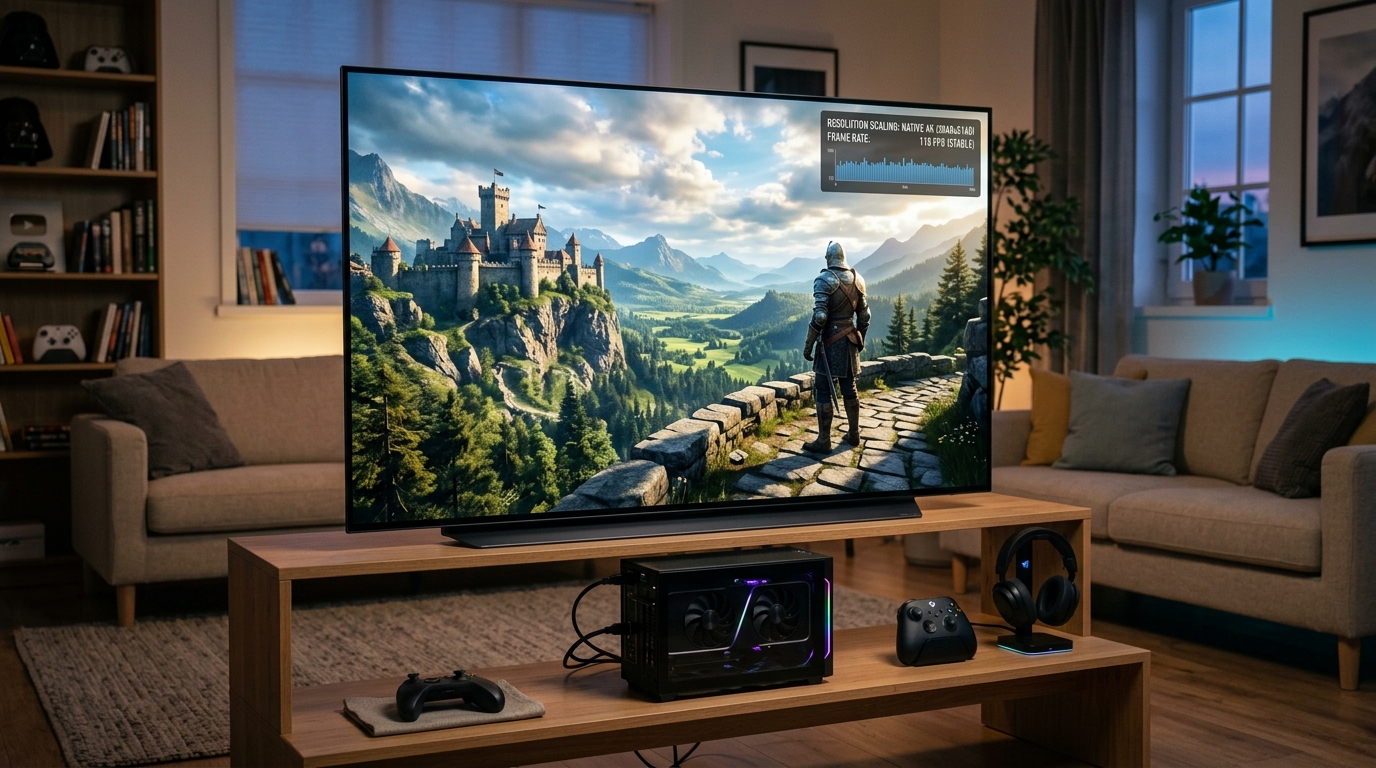
Valve highlights FSR 4.1 as part of the Steam Machine experience. Upscaling can help a game reach a higher output resolution without rendering every pixel at that same resolution.
This can be useful on a 4K television. A game may render internally at a lower resolution and then use FSR to build a sharper final image.
Results will vary by game. Quality mode is usually a good place to start because it aims to protect image clarity while improving performance. Balanced mode can provide more speed when needed.
Players should also reduce expensive graphics settings before using very aggressive upscaling. Ray tracing, heavy shadows, reflections, and volumetric effects can use a lot of GPU power.
Our AI upscaling guide explains FSR, DLSS, frame generation, and when these tools make sense.
Storage is another factor. A 512GB drive can fill quickly if you install several large games. The 2TB model offers more room, but it also raises the cost.
Check the games you actually play before choosing. Players who mostly enjoy indie games and older titles may be comfortable with less storage. Players who keep several large open-world games or shooters installed may want more space.
Who Should Buy a Steam Machine in 2026?
The Steam Machine makes the most sense for players who already use Steam heavily and want a simple living-room setup.
It is a strong fit if you have a large Steam library, prefer a controller, use a 4K TV, and do not want to build another desktop PC. It may also appeal to Steam Deck owners who want a stronger system for the couch.
The value becomes weaker if you rarely use Steam or already have a capable gaming PC connected to your TV.
Best Fit for Steam Players, Not Everyone
Steam is the center of the product. If most of your games live on Steam, the Machine can make those games feel more like a console library.
Cloud saves can also make moving between devices easier when games support them. You might play at a desktop, continue on a Steam Deck, then move to the living room on Steam Machine.
That kind of setup can be convenient because you do not need to buy the same game for several platforms.
The system is less attractive for players whose main libraries are on another console or store. It may also be hard to justify for budget-focused buyers. More than $1,000 is a serious purchase, and a traditional gaming PC may offer better performance for the money depending on the parts and deals available.
Compare the Full Setup Before Buying
Do not compare only the box.
Think about the controller, television or monitor, storage, accessories, and games you plan to use. If you need several extra upgrades, the real cost can rise quickly.
Our gaming gear upgrade guide can help you decide which accessories actually improve a setup and which upgrades are easy to skip.
You should also compare the Steam Machine with a normal gaming desktop. A desktop may give you more upgrade options and stronger performance for the price. The Steam Machine fights back with its small size, SteamOS, simple TV interface, and ready-made design.
For some players, convenience will matter more than squeezing out every possible frame. For others, raw value will win.
The Steam Machine is a serious attempt to bring PC gaming into the living room without turning it into a normal console. Valve has combined SteamOS, compact hardware, controller support, and an existing PC game library into one system.
That is a strong idea, especially for people who already live inside Steam.
The main issue is the $1,049 starting price. At that level, buyers should think carefully about what they need. If you want a clean Steam-focused TV setup and already own a large library, the Steam Machine deserves a look. If you care most about maximum performance per dollar, compare it with a traditional gaming PC before buying.
The best choice depends on your habits, not the hype. Buy the system that helps you play more of the games you already enjoy.