The honest answer is that both models have a place. Game Pass is excellent for discovering new games, testing titles before buying, and getting more value from short-term play. Cloud gaming is useful when you want to play without installing large files. Xbox Play Anywhere is strong when you want one purchase to work across Xbox console, Windows PC, and supported handheld devices. But ownership still wins when you care about long-term access, replaying favorites, modding, collecting, or playing without worrying about a game leaving a subscription library.
This Progz guide compares Game Pass, cloud gaming, Play Anywhere, and traditional game ownership so you can choose the right setup for your habits. For more related guides, read our articles on handheld gaming in 2026, best PC settings to boost FPS, or browse the PC Gaming and Game Guides sections.
The Case for Game Pass and Cloud Gaming
Game Pass works because it removes the pressure of buying every game individually. Instead of spending full price on one title and hoping it is worth it, players can test multiple games through a subscription. That is a big advantage if your taste changes often or if you like trying new genres.
For many players, the best part is discovery. You may start a game you would never have bought, then end up loving it. Indie games, strategy titles, older releases, short narrative games, and experimental projects benefit from this model because players are more willing to try them when the entry cost feels lower.
PC Game Pass also works well for players who want a library without building a huge paid collection right away. According to Xbox, PC Game Pass includes hundreds of PC games, day-one titles, EA Play, and in-game benefits for selected games. The catch is that the library changes over time, so a game you enjoy may not stay there forever.
Subscription gaming works best for explorers
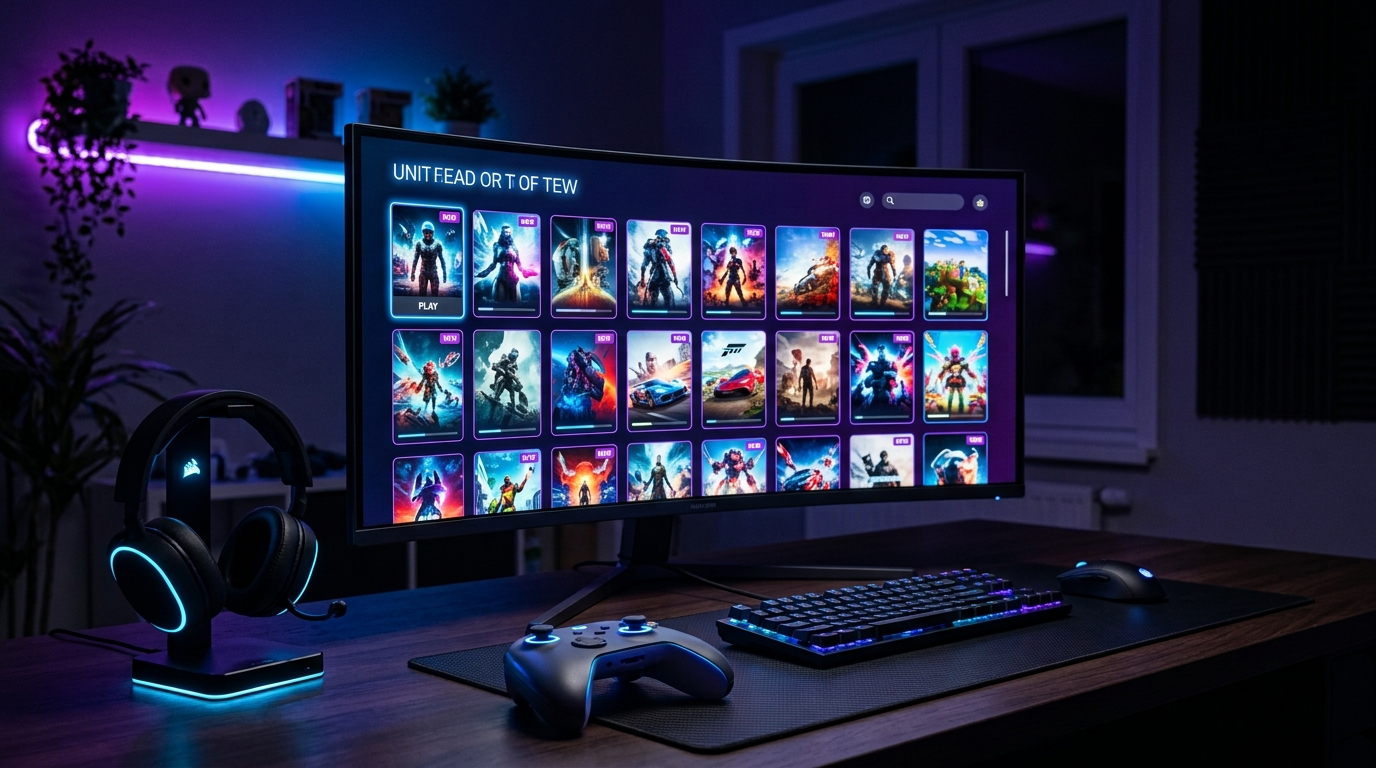
If you like sampling many games, subscription gaming can be excellent value. You can play a few hours of one game, drop it, try another, and keep moving without feeling like you wasted a full purchase. This is perfect for players who get bored quickly or want to keep up with different genres.
It is also useful for players who are not sure what they like yet. A new PC gamer may not know whether they prefer RPGs, shooters, survival games, city builders, roguelikes, or racing games. A subscription gives them a way to explore before committing to paid purchases.
Best for players who sample many games
Game Pass is strongest when you treat it like a discovery engine. Use it to try games, test performance on your PC, check whether a title fits your taste, and decide what deserves a permanent spot in your library.
The weakness appears when you fall in love with a game that later leaves the service. Xbox notes that games are added and removed from the PC Game Pass library over time. If a game leaves and you want to keep playing, you need to buy it or have another valid entitlement.
Cloud gaming changes where you can play
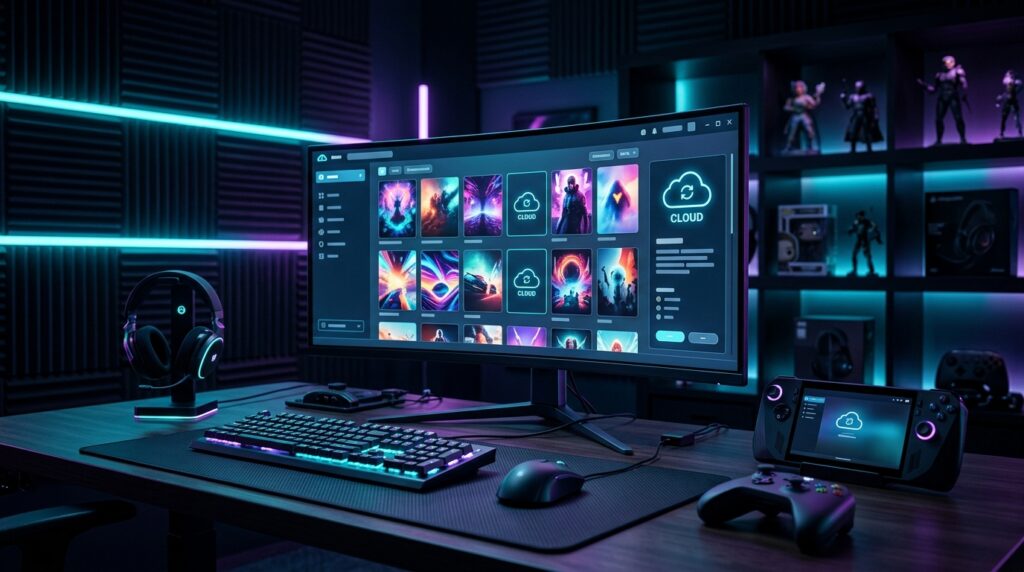
Cloud gaming adds another layer of convenience. Instead of downloading a huge game, you stream it to a supported device. This can save storage space and let you play on devices that would not normally run the game locally.
Xbox Cloud Gaming allows players to stream supported games on devices they already have, including PCs, phones, tablets, consoles, selected smart TVs, browsers, and more. It also supports selected free-to-play games and many titles through Game Pass plans. For official details, visit the Xbox Cloud Gaming page.
Best for travel and low-storage setups
Cloud gaming is useful if your device has limited storage, if you are traveling, or if you want to test a game before installing it. It can also help players with older hardware experience games that would not run well locally.
The downside is that cloud gaming depends heavily on your internet connection. Xbox lists minimum connection recommendations and notes that streaming performance can be affected by internet connection, location, device, and other factors. That means cloud gaming can feel smooth one day and frustrating the next if your network is unstable.
When Buying Games Is Still the Smarter Move
Game ownership still matters. Even in a subscription-heavy gaming world, buying games gives players more control. You choose what stays in your library. You are not waiting for a catalog update. You are not rushing through a game because it might leave. You can replay it years later, install it when you want, and build a collection around your real favorites.
Ownership is especially important for players who replay the same games often. If you spend hundreds of hours in one RPG, strategy game, fighting game, simulator, survival game, or multiplayer title, buying it usually makes more sense than relying only on subscriptions.
Buying also works better for players who care about modding, offline access, special editions, DLC ownership, and long-term saves. Not every platform handles these things the same way, but the general point remains: if a game is important to you, owning it gives you more confidence than renting access through a changing subscription library.
Ownership still wins for favorites and long-term libraries
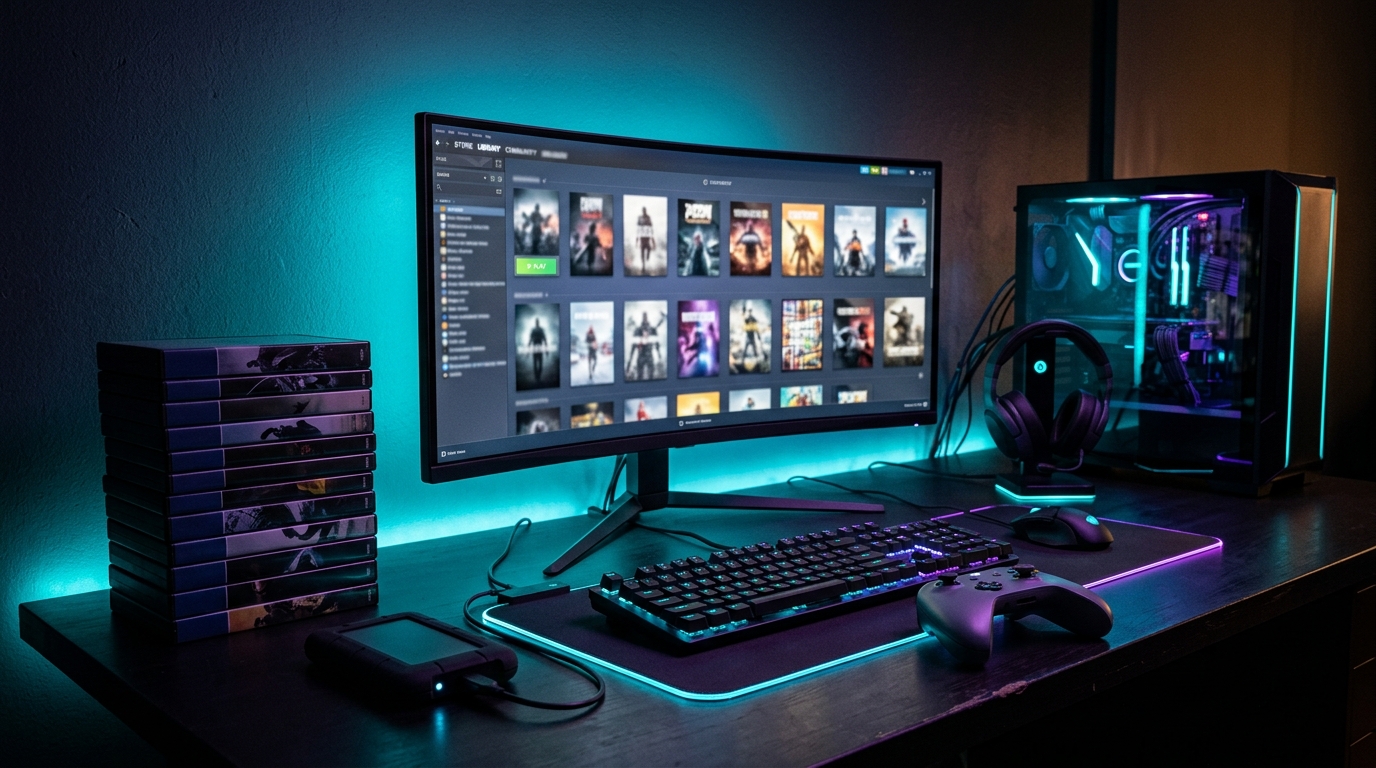
A subscription library is convenient, but it is not the same as a personal library. Your favorite game may leave. Your subscription may expire. Your region, platform, or plan may affect availability. This does not make subscriptions bad, but it does mean they are not a complete replacement for ownership.
Xbox Play Anywhere offers a useful middle ground for supported titles. Xbox says Play Anywhere games can be bought once and played on Xbox console, PC, and supported gaming handhelds at no additional cost, with progress, saves, add-ons, and achievements following the player. You can check official details on the Xbox Play Anywhere page.
Best for games you replay for years
If a game becomes part of your routine, buy it. This applies to games you replay every year, games with long campaigns, competitive games you practice regularly, and titles with expansions or mods. The more time you spend with one game, the more ownership starts to make sense.
Buying also removes the pressure to finish quickly. You can take breaks, return later, and play at your own pace. That matters for long RPGs, open-world games, strategy campaigns, and survival games where the experience can last months.
Best for collectors and modders
Collectors still have strong reasons to buy games. Physical editions, special releases, steelbooks, art books, soundtracks, and collector bundles offer something a subscription cannot replace. Even digital collectors may prefer owning a curated library instead of depending on a rotating catalog.
Modders also benefit from ownership, especially on PC. Some games work better with mod managers, community patches, texture packs, and custom files when installed locally through platforms that support modding well. If mods are a major part of how you play, buying the game is usually the safer path.
The best setup for most players is not subscription only or ownership only. It is a hybrid. Use Game Pass to explore. Use cloud gaming for convenience. Use Play Anywhere when cross-platform access matters. Buy the games you truly care about.
That hybrid approach gives you flexibility without giving up control. You can discover new titles through subscriptions, stream when storage is tight, continue progress across devices when supported, and still build a permanent library of favorites.
So, is owning games still better? For long-term favorites, yes. For discovery and short-term value, Game Pass can be better. For convenience, cloud gaming has a real place. The smart move is to match the model to the game. Rent access when you are exploring. Buy when you know a game belongs in your library.
For more Progz content, explore Digital Culture, PC Gaming, Reviews, and Gaming Gear.